如何將 Claude 的函式呼叫與 SNS FIFO 結合,以實現可靠、有序的 AI 通知
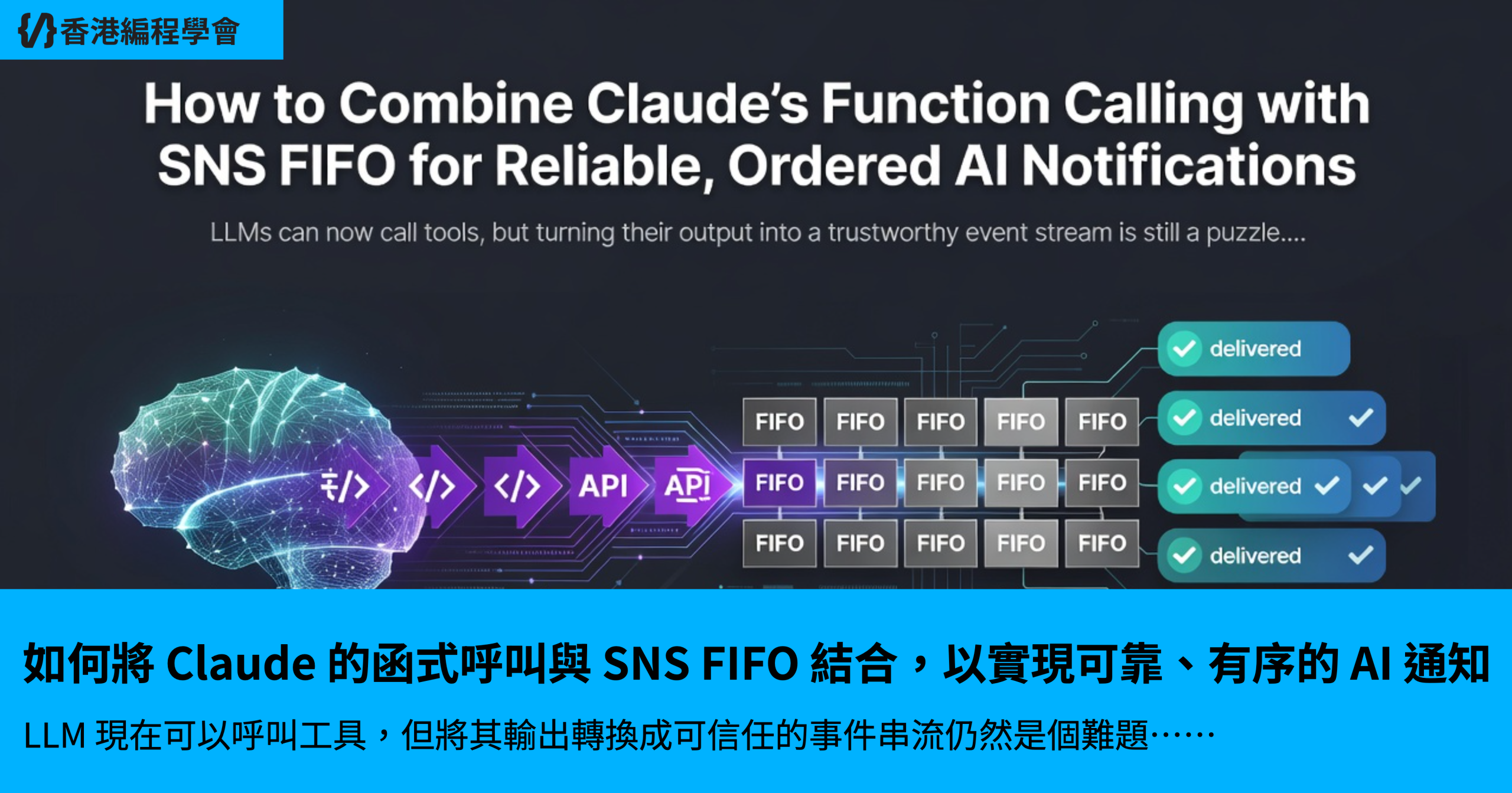
LLM 現在可以呼叫工具,但將其輸出轉換成可信任的事件串流仍然是個難題。我們將 Claude 的函式呼叫連接至 SNS FIFO 主題,為您提供有序、去除重複的通知,讓下游 Lambda 函式能夠以零遺失保證進行消費。
為什麼 SNS FIFO 適合用於 LLM 生成的事件
當 LLM 決定要「publishAlert」時,您通常會希望警報能完全按照它產生的順序被處理。想像一個火警系統,先發出煙霧偵測器的警告,接著發出灑水器啟動指令。如果這兩則訊息順序顛倒,您可能會在火災尚未確認前就啟動灑水器。
FIFO 代表 First‑In‑First‑Out(先進先出)。SNS FIFO 主題保證具有相同 MessageGroupId 的訊息會按照發佈的確切順序傳遞給訂閱者。這與預設的「標準」SNS 主題不同,後者雖然傳遞迅速,但不保證順序。
用白話來說:SNS FIFO 就像一條單線道道路,配有紅綠燈讓車輛(訊息)一輛接一輛通過,絕不超車。
關鍵術語(首次使用)
| 術語 | 含義 |
|---|---|
| Function calling | LLM 可以呼叫預先定義的工具(一段程式碼),而非僅回傳文字的功能。 |
| FIFO topic | 一種 SNS 主題,能保留屬於同一邏輯群組的訊息順序。 |
| MessageGroupId | 告訴 SNS 哪些訊息屬於同一群組以進行排序的識別碼。 |
| MessageDeduplicationId | 防止同一訊息在 5 分鐘窗口內被傳遞兩次的 token。 |
| Lambda | 一種無伺服器運算服務,會根據事件(例如 SNS 訊息)執行程式碼。 |
因為 LLM 可能快速產生許多警報,使用 FIFO 主題能讓您將 AI 視為確定性生產者,而非混亂的聊天機器。下游 Lambda 會看到警報的順序與模型發出它們的順序相同。
設定 Claude 的函式呼叫以發佈至 SNS
在能將任何東西發送到 SNS 之前,Claude(LLM)需要知道您所公開的工具。在 Claude 的術語中,tool schema 描述了名稱、描述以及它可以傳遞的引數 JSON 結構。
以下是一個最小的 TypeScript 程式碼片段,它建立了一個名為 publishAlert 的工具。函式主體使用 AWS SDK v3(@aws-sdk/client-sns)將訊息推送到 FIFO 主題。請注意 satisfies 關鍵字的使用——它告訴 TypeScript「此物件符合我描述的形狀,但不要拓寬型別」。
// src/claudeTool.ts
import { SNSClient, PublishCommand } from "@aws-sdk/client-sns";

// ---------------------------------------------------------------------
// 1️⃣  Prepare the SNS client – it will read credentials from the
//    environment (AWS_ACCESS_KEY_ID, AWS_SECRET_ACCESS_KEY, etc.).
// ---------------------------------------------------------------------
const snsClient = new SNSClient({ region: "us-east-1" });

// ---------------------------------------------------------------------
// 2️⃣  Define the shape of the arguments Claude is allowed to send.
//    This is the contract between the LLM and our code.
// ---------------------------------------------------------------------
type PublishAlertArgs = {
  /** Human‑readable title of the alert */
  title: string;
  /** Optional JSON payload that downstream systems care about */
  payload: Record<string, unknown>;
  /** Group ID to keep ordering – e.g., a device ID or tenant ID */
  groupId: string;
};

// ---------------------------------------------------------------------
// 3️⃣  The tool schema Claude will load.  The `satisfies` keyword forces
//    the object to be exactly the type we described above.
// ---------------------------------------------------------------------
export const publishAlertTool = {
  name: "publishAlert",
  description: "Publish an ordered alert to an SNS FIFO topic",
  input_schema: {
    type: "object",
    properties: {
      title: { type: "string" },
      payload: { type: "object" },
      groupId: { type: "string" },
    },
    required: ["title", "groupId"],
    additionalProperties: false,
  },
} satisfies { name: string; description: string; input_schema: object };

// ---------------------------------------------------------------------
// 4️⃣  The implementation that Claude will invoke.  It builds the SNS
//    PublishCommand with the required FIFO fields.
// ---------------------------------------------------------------------
export async function publishAlert(args: PublishAlertArgs): Promise<void> {
  const { title, payload, groupId } = args;

  // A stable deduplication ID – you could hash the payload, add a timestamp,
  // or use a UUID if you need absolute uniqueness.
  const dedupId = `${groupId}-${Date.now()}`;

  const command = new PublishCommand({
    // The ARN of the FIFO topic you created (ends with .fifo)
    TopicArn: process.env.ALERTS_FIFO_TOPIC_ARN,
    // Message body – keep it short; you can embed a JSON string if needed.
    Message: JSON.stringify({ title, payload }),
    // Guarantees ordering for all alerts that share this groupId.
    MessageGroupId: groupId,
    // Prevents the same alert from being sent twice within 5 minutes.
    MessageDeduplicationId: dedupId,
  });

  // Send the command; any error will bubble up to Claude as a tool failure.
  await snsClient.send(command);
}
Enter fullscreen mode
Exit fullscreen mode
提示:如果您需要在重試時達成exactly‑once 語意,請保持
MessageDeduplicationId為確定性的(例如 payload 的雜湊值)。
LLM 會在決定應該發出警報時呼叫 publishAlert。您的應用程式只需將 publishAlertTool 描述公開給 Claude,並將 publishAlert 實作繫結到工具處理程式即可。
設定具有訊息分組與去重複功能的 SNS FIFO 主題
建立 FIFO 主題是一次性的操作,但有幾個隱藏規則會讓許多工程師吃虧:
- FIFO 主題需要匹配的 FIFO 訂閱——您無法訂閱標準 SQS 佇列或非 FIFO 感知的 HTTP 端點。
- 訊息屬性每個訂閱限制為五個——請盡量保持中繼資料最小化。
- 傳遞重試是針對每個訂閱者。如果 Lambda 呼叫失敗,SNS 最多會重試三次,然後在沒有監控 CloudWatch 指標的情況下默默放棄。
以下是一個小型腳本,它會建立 FIFO 主題、設定必要屬性,並新增 Lambda 訂閱。程式碼使用相同的 SDK(@aws-sdk/client-sns)並示範了容易忽略的細節。
// scripts/createFifoTopic.ts
import {
  SNSClient,
  CreateTopicCommand,
  SubscribeCommand,
  SetTopicAttributesCommand,
} from "@aws-sdk/client-sns";

// ---------------------------------------------------------------------
// 1️⃣  Initialize the client (same region as your Lambda)
// ---------------------------------------------------------------------
const sns = new SNSClient({ region: "us-east-1" });

async function main() {
  // -----------------------------------------------------------------
  // 2️⃣  Create the FIFO topic.  The name MUST end with ".fifo".
  // -----------------------------------------------------------------
  const createResp = await sns.send(
    new CreateTopicCommand({
      Name: "ai-alerts.fifo",
      Attributes: {
        // FIFO topics need these two flags.
        FifoTopic: "true",
        // Optional: set a default message group to avoid errors if you forget.
        // We'll enforce explicit group IDs later.
        ContentBasedDeduplication: "false",
      },
    })
  );

  const topicArn = createResp.TopicArn!;
  console.log("✅ FIFO topic created:", topicArn);

  // -----------------------------------------------------------------
  // 3️⃣  Attach a Lambda subscriber (replace with your function ARN).
  // -----------------------------------------------------------------
  const lambdaArn = process.env.ALERTS_LAMBDA_ARN!;
  await sns.send(
    new SubscribeCommand({
      Protocol: "lambda",
      TopicArn: topicArn,
      Endpoint: lambdaArn,
    })
  );
  console.log("✅ Lambda subscribed:", lambdaArn);

  // -----------------------------------------------------------------
  // 4️⃣  (Optional) Add a dead‑letter queue (DLQ) via a subscription
  //     attribute – note that SNS FIFO does NOT create a DLQ automatically.
  // -----------------------------------------------------------------
  await sns.send(
    new SetTopicAttributesCommand({
      TopicArn: topicArn,
      AttributeName: "RedrivePolicy",
      AttributeValue: JSON.stringify({
        deadLetterTargetArn: process.env.ALERTS_DLQ_ARN,
      }),
    })
  );
  console.log("✅ DLQ attached (if provided).");
}

main().catch((err) => {
  console.error("❌ Error creating topic:", err);
  process.exit(1);
});
Enter fullscreen mode
Exit fullscreen mode
重要心得:FIFO 主題的可靠性取決於其訂閱者。確保您附加的 Lambda 已準備好處理重試,並考慮手動連接死信佇列,因為 SNS 預設不會新增。
常見陷阱深入探討
-
去重複窗口——SNS 會記住每個
MessageDeduplicationId達5 分鐘。如果您在該窗口內重複使用相同 ID,第二則訊息會在沒有任何錯誤的情況下消失。為了避免無聲丟失,請為每次發佈產生新的 ID(如範例所示),或啟用ContentBasedDeduplication讓 SNS 對Message主體進行雜湊。 -
跨群組的排序——SNS 只保證單一
MessageGroupId內部的順序。如果您為兩個不同裝置發佈警報(groupId = "deviceA"和"deviceB"),它們的相對順序是不確定的。請設計您的下游邏輯,讓每個群組獨立處理,或將所有內容透過單一群組傳送(如果需要真正的全域順序,代價是降低吞吐量)。
使用 Lambda 訂閱者消費有序事件
現在警報已流入 SNS,我們需要一個尊重排序並記錄 payload 的 Lambda。我們目標的 Lambda 執行環境是 Node.js 22,最新的 LTS 版本。請注意兩個 Lambda 特定的陷阱:
-
Node 22 中的
require(esm)可能會默默破壞現有的 Lambda 層——請務必使用原生 ESM(import …)或繼續使用 CommonJS。 - Provisioned Concurrency(預熱)即使在閒置時也會產生費用——在啟用前請先監控使用量。
以下是一個直接的處理程式,它會提取 SNS 訊息、剖析 JSON payload,並記錄警報。它也會明確確認訊息,方法是成功回傳;任何未捕捉的錯誤都會導致 SNS 重試傳遞。
// src/alertProcessor.ts
import { SQSEvent, SNSEvent, Context } from "aws-lambda";

/**
 * Lambda entry point – SNS will invoke this function for each batch
 * of messages that share the same MessageGroupId.
 */
export async function handler(event: SNSEvent, _ctx: Context): Promise<void> {
  // SNS may deliver multiple records in one invocation.
  for (const record of event.Records) {
    // -----------------------------------------------------------------
    // 1️⃣  The raw message body is a string; we expect JSON.
    // -----------------------------------------------------------------
    const raw = record.Sns.Message;
    let parsed: { title: string; payload?: Record<string, unknown> };

    try {
      parsed = JSON.parse(raw);
    } catch (e) {
      // If parsing fails, we *must* let the error bubble up so SNS retries.
      console.error("❌ Failed to parse SNS message:", raw);
      throw e;
    }

    // -----------------------------------------------------------------
    // 2️⃣  Log the alert – in a real system you would forward it to a DB
    //     or another service.
    // -----------------------------------------------------------------
    console.log(
      `🔔 Alert [${record.Sns.MessageGroupId}]: ${parsed.title}`,
      parsed.payload ?? {}
    );
  }

  // Returning without error tells SNS the batch was processed.
}
Enter fullscreen mode
Exit fullscreen mode
要將此函式連接至 SNS 主題,您可以使用 AWS 主控台或 CDK/CloudFormation。關鍵設定如下:
| 設定 | 值 | 為什麼重要 |
|---|---|---|
| Runtime | nodejs22.x |
支援最新的語言功能和 SDK v3。 |
| Memory | 128 MiB(如果 payload 較大則更高) | 影響最大並行呼叫次數;保持低以節省成本。 |
| Timeout | 30 秒(預設) | 對於簡單記錄應該足夠;如果進行大量工作則增加。 |
| Dead‑letter queue | 可選,但建議使用 | SNS 重試三次;之後訊息會遺失,除非 DLQ 捕捉它。 |
提示:為 Lambda 啟用 CloudWatch Logs,並針對
InvocationErrors設定警示。因為 SNS 重試是針對每個訂閱者,無聲的 Lambda 失敗可能導致未傳遞的警報。
測試與除錯端到端流程
可靠的系統取決於您對它執行的測試。以下步驟讓您能在不部署到正式環境的情況下驗證排序、去重複和錯誤處理。
1️⃣ 本機「Claude」模擬
建立一個小型腳本,使用相同的 groupId 呼叫 publishAlert 幾次。在呼叫之間使用短暫的 setTimeout 來模擬快速的 LLM 輸出。
// scripts/simulateClaude.ts
import { publishAlert } from "../src/claudeTool";

async function main() {
  const groupId = "device-123";

  // Fire three alerts in quick succession.
  await publishAlert({
    title: "Temperature high",
    payload: { temp: 78 },
    groupId,
  });
  await publishAlert({
    title: "Temperature critical",
    payload: { temp: 92 },
    groupId,
  });
  await publishAlert({
    title: "Shutdown initiated",
    payload: { reason: "overheat" },
    groupId,
  });

  console.log("✅ All alerts sent.");
}

main().catch((e) => {
  console.error("❌ Simulation failed:", e);
});
Enter fullscreen mode
Exit fullscreen mode
執行 ts-node scripts/simulateClaude.ts。然後檢查 Lambda 記錄——您應該會看到三個警報以相同順序出現。
2️⃣ 驗證去重複功能
修改腳本以重複使用相同的 MessageDeduplicationId(透過傳遞常數 dedupId 到 publishAlert)。您只會在 Lambda 記錄中看到第一則訊息;其他訊息會被默默丟棄。這示範了 5 分鐘窗口規則。
3️⃣ 強制 Lambda 錯誤
加入一行程式碼,在特定警報(例如當 title 包含「critical」時)拋出例外。部署 Lambda,再次執行模擬,並觀察 CloudWatch。您會看到失敗的呼叫被重試三次,然後消失,除非您有連接 DLQ。
用白話來說:如果 Lambda 崩潰,SNS 會再嘗試三次,然後放棄。如果沒有死信佇列,該警報就會永遠遺失。
4️⃣ 使用 CloudWatch Insights 確認排序
在 CloudWatch Logs Insights 中執行以下查詢:
fields @timestamp, @message
| filter @message like /Alert/
| sort @timestamp asc
| limit 20
Enter fullscreen mode
Exit fullscreen mode
sort asc 會顯示確切的到達順序。如果您看到相同 groupId 的訊息出現順序錯亂,請再次確認您使用的是 FIFO 主題,且批次中的 MessageGroupId 完全相同。
總結
您現在擁有的:一種模式,能夠只使用 AWS 管理的服務,將 Claude 的工具呼叫轉換成可靠、有序的事件串流。
-
FIFO 主題維持每個群組的順序——每個共用
MessageGroupId的警報會以發佈時的確切順序到達訂閱者。 - 去重複 ID 能防止意外重複,但必須在 5 分鐘內保持唯一;否則 SNS 會默默丟棄後續訊息。
- SNS 重試是針對每個訂閱者,因此監控 Lambda 錯誤並選擇性新增死信佇列至關重要。
- Lambda 的簡單處理程式可以安全地記錄或轉發警報;只要確保在沒有錯誤的情況下回傳,即可確認訊息。
- 在本機測試(模擬 Claude、強制錯誤、檢查 CloudWatch)能在問題到達正式環境前捕捉排序與去重複的錯誤。
有了這些元件,您可以讓 Claude 作為系統的大腦,而 SNS FIFO 和 Lambda 則作為神經系統,可靠地依序傳遞訊號且無遺失。祝您 coding 愉快!
透明度聲明
本文是在 AI 系統的協助下撰寫的——Groq(GPT OSS 120B)。
發佈日期:2026-08-26 · 主要焦點:SNS
所有程式碼區塊都旨在正確且可執行,但在正式環境使用前,請務必根據所提及工具的官方文件進行驗證。
發現錯誤?請留言——隨時歡迎修正。